The Remove by Date Maintenance page in Enterprise Server 10 is used for removing unused articles and/or images from Enterprise Server that have been added before a specified date.
|
Note: Unused articles and images are those that conform to the following criteria:
|
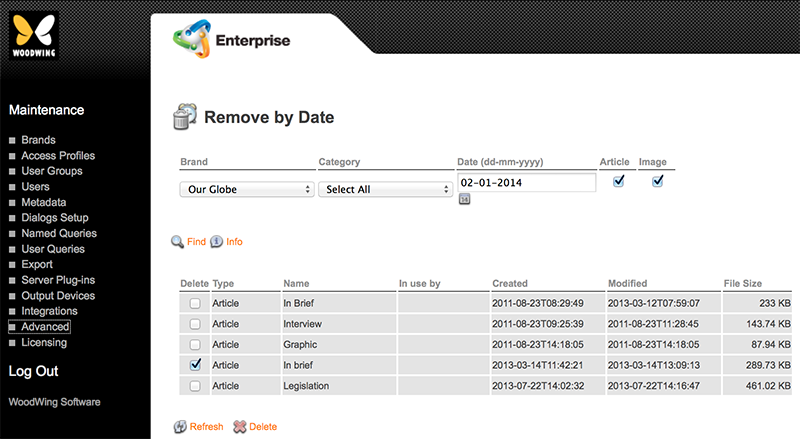
Figure: The Remove by Date Maintenance page
Accessing the Remove by Date Maintenance page
Step 1. In Enterprise Server, click Advanced in the Maintenance menu or on the Home page. A page with all advanced Maintenance features appears.
Step 2. Click Remove by Date.
The Remove by Date Maintenance page appears.
Comments
0 comments
Please sign in to leave a comment.