The Brand Maintenance page in Enterprise Server 10 holds all the settings for a Brand. Use it to manage the following components of a Brand:
- Publication Channels (including their Issues and Editions)
- Categories
- Workflow
- User Authorizations
- Admin Authorizations
- Routing rules
- Dossier Templates
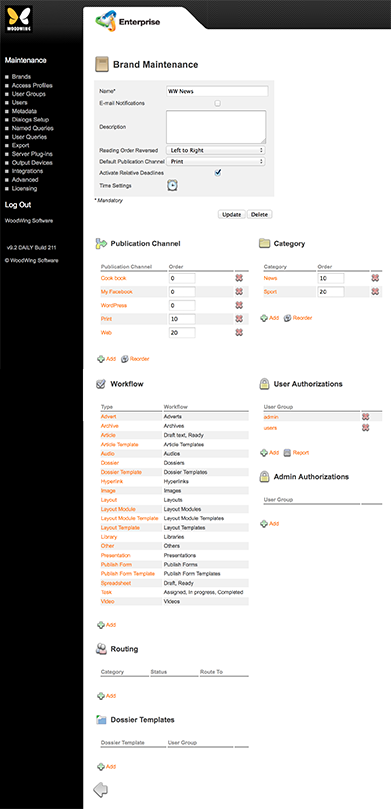
Figure: The Brand Maintenance page.
Accessing the Brand Maintenance page
Step 1. In the Maintenance menu or on the Home page, click Brands.
A page appears showing all created Brands, including a default Brand named 'WW News'.
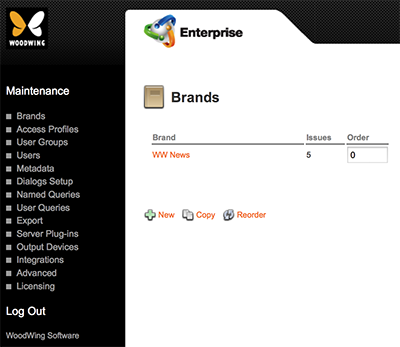
Figure: The Brands page.
Step 2. Do one of the following:
- Click New to access the Brand Maintenance page for a new Brand
- Click the name of an existing Brand to access the Maintenance page for that Brand
The Brand Maintenance page appears.
Comments
0 comments
Please sign in to leave a comment.